Turn your photos into paintings to color
Upload a photo, paint it by numbers and relive that moment color by color.
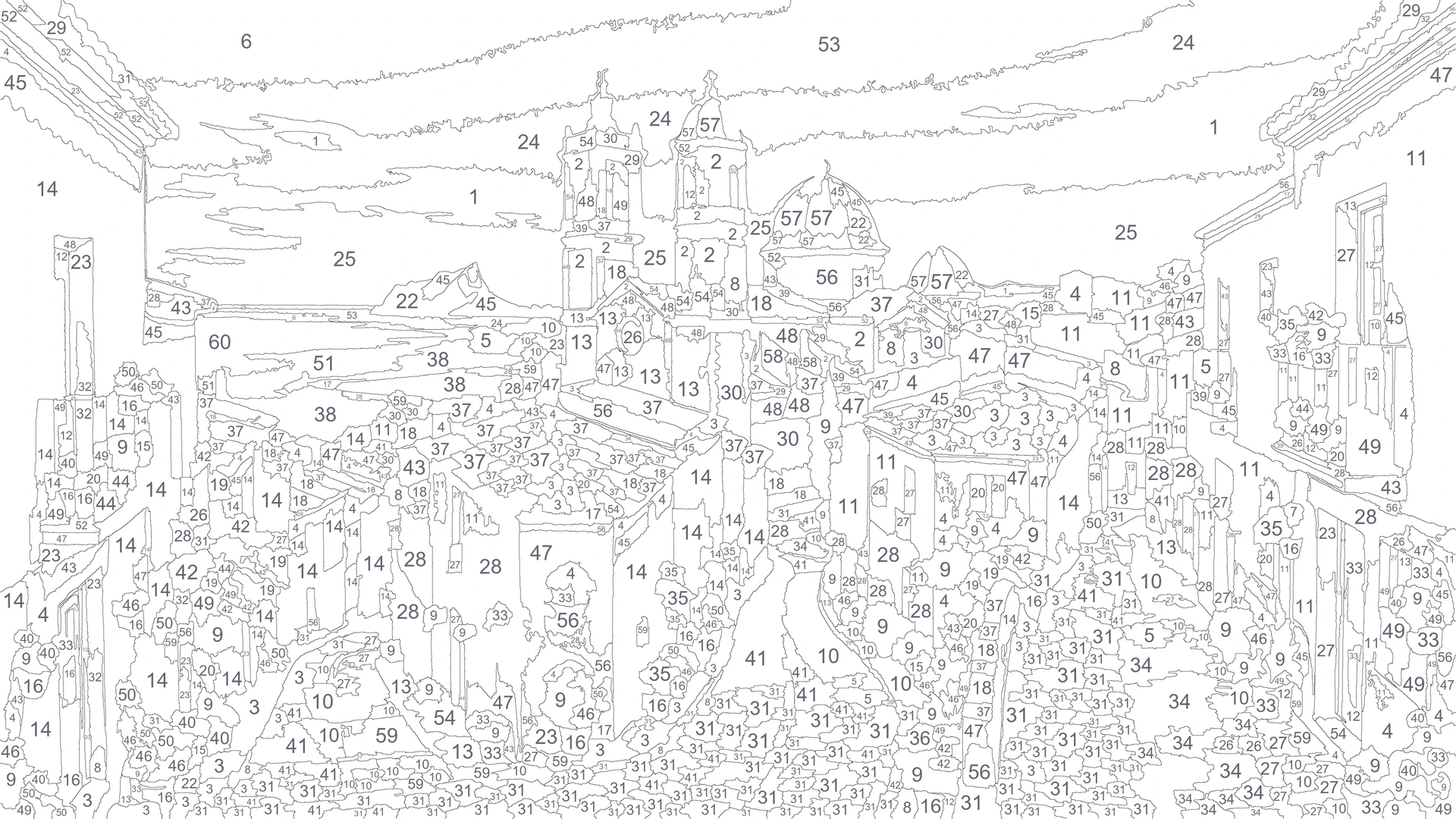
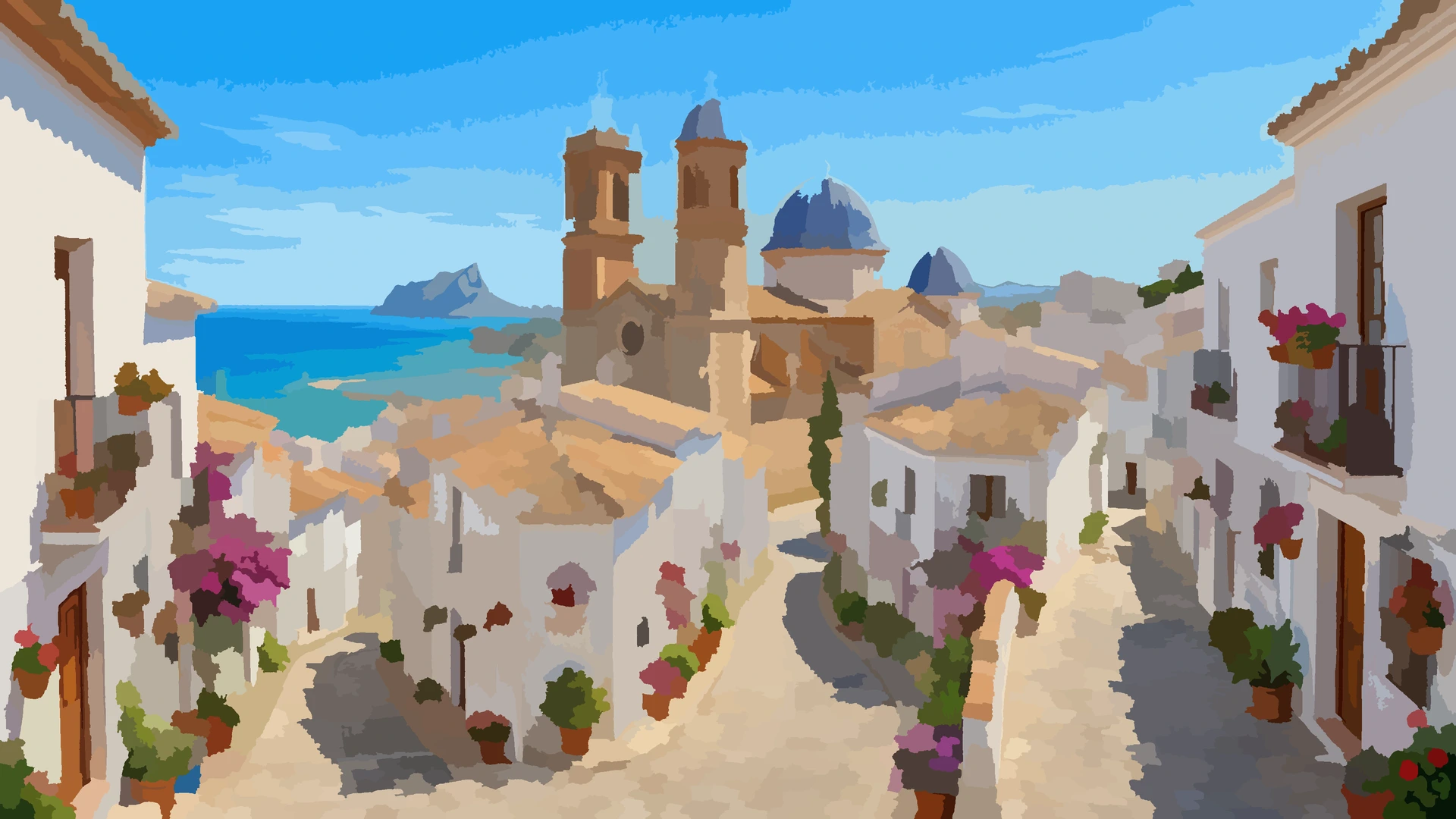
Your first painting, free and without an account
Upload a photo, pick a difficulty and start painting in seconds. No sign-up, no card.
Your first canvas is Medium difficulty. Create a free account to pick the level.
Pick a photo first to create your canvas.Already have an account?
Your artwork in three steps
Upload your photo
Pick a photo from your gallery or take one now. We turn it into a numbered canvas instantly.
Paint by numbers
Tap the areas with each color's number. Relax and watch your memory come to life.
Share your timelapse
When you finish, download your artwork or share the video of how it painted itself, step by step.
Made to enjoy
Everything about the color by number generator
Color Memories is a free online color by number generator: turn your own photos into paint-by-numbers canvases and paint them right in your browser, nothing to install.
What is a color by number generator?
A tool that turns an image into a paint-by-numbers canvas: it splits the photo into numbered areas, each number matches a color, and you fill them in by tapping. Color Memories generates the canvas from your own photos and lets you paint it online, on your phone or computer.
How do I turn a photo into a paint-by-numbers canvas?
Upload a photo from your gallery (or take one), pick a difficulty and hit Generate. In a few seconds you get your personalized paint-by-numbers canvas, ready to paint by tapping each area. When you finish, download your artwork or share the timelapse of how it was painted.
Is painting by numbers online free with Color Memories?
Yes, completely. You can create your first canvas without an account, and with a free account you keep creating unlimited canvases and your artworks are saved so you can pick them up on any device.
Do I need to install an app to paint by numbers?
No. It works right in the browser on your phone, tablet or computer, nothing to download. If you like, you can install it as an app from the browser itself to keep it on your home screen and continue right where you left off.
Will there be a Color Memories app for Android?
Yes, and you can already pre-register for free on Google Play. When you do, Google notifies you on launch day and installs the app for you: there is nothing to remember. It will be the same canvases and the same account as on the web, with your progress synced between phone and computer. In the meantime you can carry on painting here, in your browser, without installing anything.
Is there a Color Memories app for Android?
Yes. You can download it free from Google Play: the same canvases and the same account, but with the app installed on your phone and your progress synced. The web keeps working just the same in any browser, so you can paint on your computer and carry on from your phone.
Which photos work best?
Photos with a clear subject and good light: portraits, pets, travel landscapes… The generator adapts the level of detail to the photo: Easy gives you a few large areas and Expert many small ones with very similar colors, so the painted result truly looks like your memory.
Can I choose the difficulty?
Yes, there are four levels: Easy, Medium, Hard and Expert (40 to 100 colors). More colors means closer to the photo and more of a challenge. And with levels mode you can turn 4 photos into a progressive challenge, unlocking each level as you complete the previous one.
Can I print the picture and paint it on paper?
Yes. From the canvas itself you can print your picture on two A4 sheets: the numbered drawing, to paint with pencils, markers or watercolours, and the colour list showing which shade goes with each number. It is the same picture you would paint on screen, only on paper: to paint together as a family, for the kids, or to give away. In the Android app you get a PDF with both sheets, ready to print or share.
What happens to my photos? Are they private?
Your photo is processed only to generate the canvas and is not stored on our servers; the original photo is kept only on your device. It is shared anonymously only if you voluntarily enable the option to help improve the algorithm in the privacy settings.
Pre-register and be among the first
Get the free app
Pre-register for free on Google Play and the app will install itself on your phone on launch day. The same canvases and the same account as here.
The same canvases and the same account, with the app installed on your phone. Start on your computer and carry on painting from the sofa.
- Your artworks synced across all your devices
- Paint offline — your progress saves itself
- Free, with no in-app purchases


Your next artwork starts with a photo
Free, in your browser, nothing to install.
 Color Memories
Every photo hides a painting
Log in to paint them all and take your progress with you.
- Unlimited paintingsTurn as many photos as you like
- Progress always safeKeep painting on your phone or computer
- Timelapse to shareYour artwork painting itself, ready to show off
Create account
Your progress is saved to your account: get it back on any device.
By continuing, you agree to our Terms & EULA and Privacy Policy.
¿Ya tienes cuenta? Entrar
Upload a photo and we'll turn it into a paint-by-numbers canvas. Describe anything and we'll turn it into a paint-by-numbers canvas.